Capture and act
“Capture a thought” lets you choose a task, reminder or note and send it to the right place.
PLANNING AND TASKS
Add a task, pick a date and see it beside your meetings. Keep everything you want to finish today in one plan.
Free closed beta by invitation
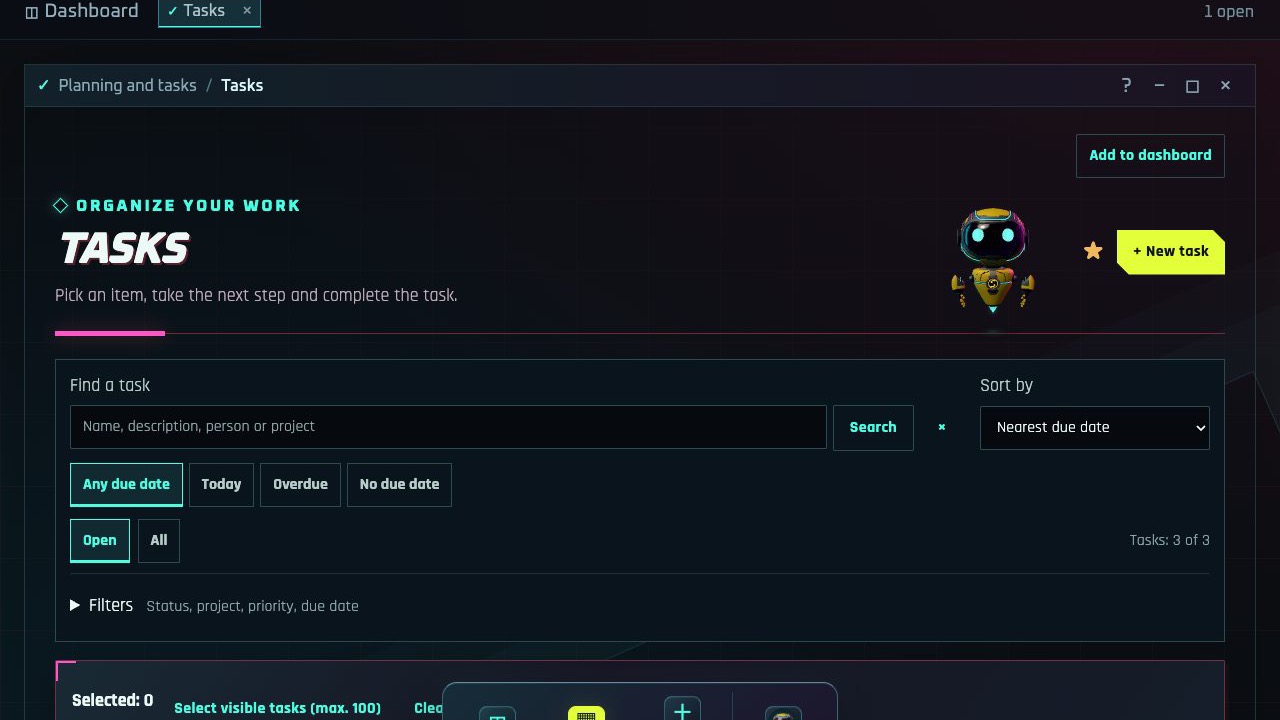
“Capture a thought” lets you choose a task, reminder or note and send it to the right place.
Set a priority and due date, then update the status. See tasks alongside meetings in your calendar.
Set a task or reminder to repeat so you don’t have to recreate it every time.
ONE EVERYDAY EXAMPLE
For example, prepare a plan for the week.
Set the day, priority and any details you need.
Mark the task as done and see what comes next.
Device notifications require permission. On iPhone, launch Dockvi from its home-screen icon.
Yes. Set repetition on the task or reminder itself.
Tasks, calendar and reminders work without an external AI model.
START WITH ONE THING
Already have an invitation? Your tools are waiting in Dockvi.