Keep materials beside ideas
Add a note, link, image, file, checklist or a link to a task. Each item has a place.
NOTES AND MATERIALS
Lay out notes and materials, connect them and see the bigger picture. Use the list view when you’re working on your phone.
Free closed beta by invitation
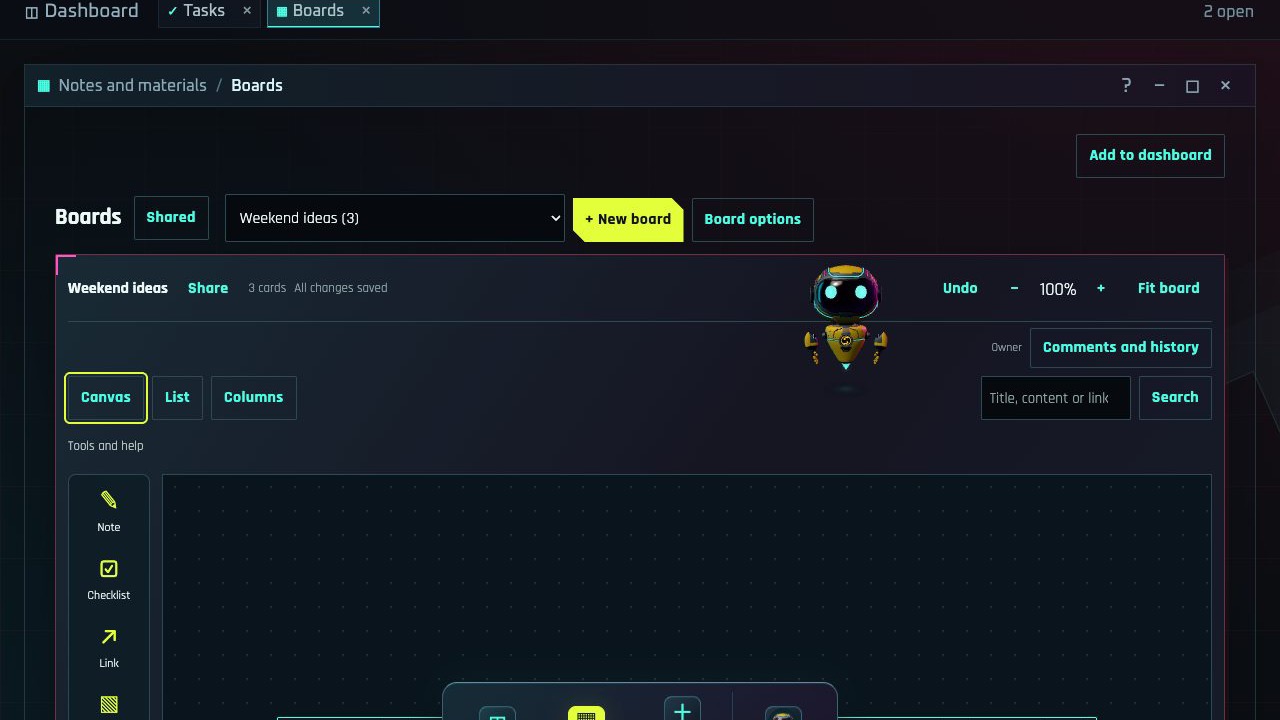
Add a note, link, image, file, checklist or a link to a task. Each item has a place.
Use the canvas to lay things out, columns to organise them or a clear list on a small screen.
Open the full card, duplicate it or restore it from the bin.
ONE EVERYDAY EXAMPLE
Add notes, links and a checklist to one board.
Move cards into columns or link them on the canvas.
Open the task form from a saved note. Review the details and confirm to save.
Boards are private until you share them with selected people. Permissions control who can view or edit. External drive integration is a separate development stage.
Yes. List and column views let you read and edit without precise dragging on the canvas.
The task form uses the saved card. Later changes don’t sync automatically.
START WITH ONE THING
Already have an invitation? Your tools are waiting in Dockvi.