Friends and chats
Send private messages or create groups. Turn a message into a task, meeting or reminder.
WORK TOGETHER, KEEP YOUR OWN SPACE
Turn conversations into agreed next steps and keep the shopping list out of the message thread. Share selected items and keep your own space.
Free closed beta by invitation
Send private messages or create groups. Turn a message into a task, meeting or reminder.
Agree who’s responsible and keep comments alongside the shared task.
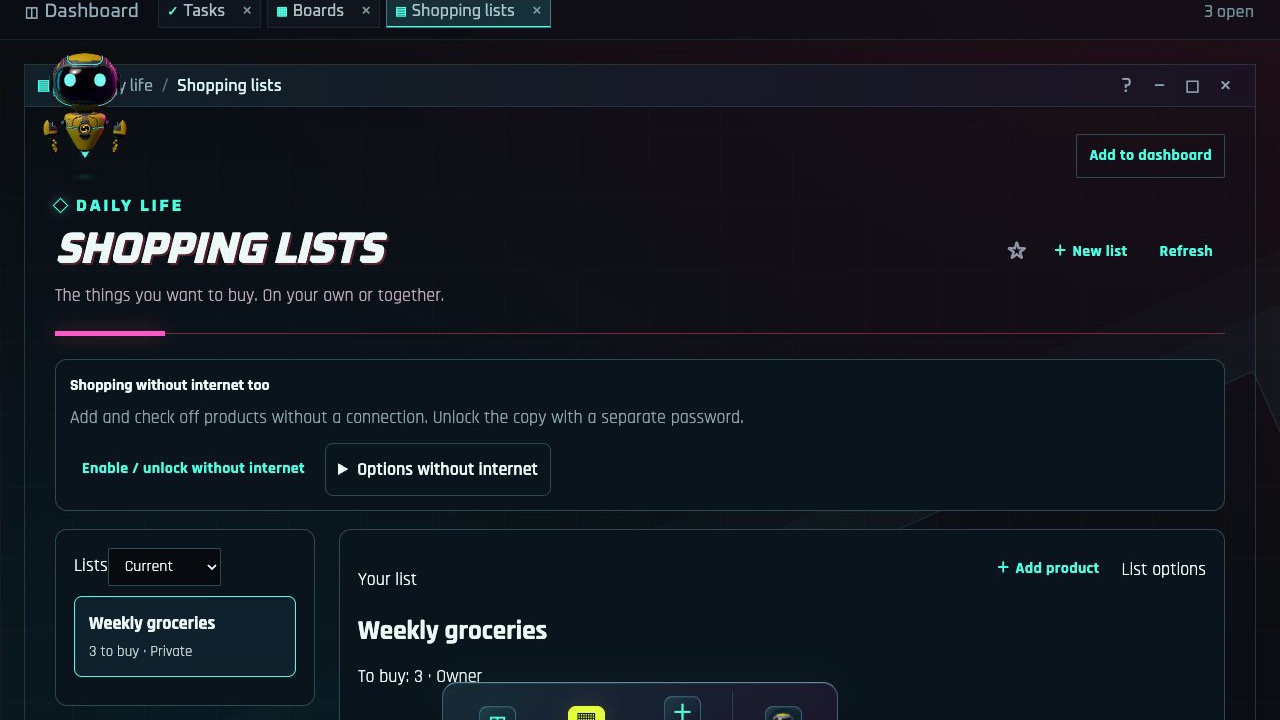
Invite a friend to a specific shopping list. Give them edit or view access and revoke it when it’s no longer needed.
ONE EVERYDAY EXAMPLE
Add items, quantities and categories. New lists start out private.
Choose what access to grant. Your friend can see the list after accepting the invitation.
People with edit access can update the shared list while shopping.
Adding a friend does not share your Mail, Finances, Notes or all your lists. Access applies to the specific item you share.
Yes. The owner can grant edit or view access, change the role later or revoke access.
Yes. Sharing is optional. You can keep private lists and your own templates.
START WITH ONE THING
Already have an invitation? Your tools are waiting in Dockvi.